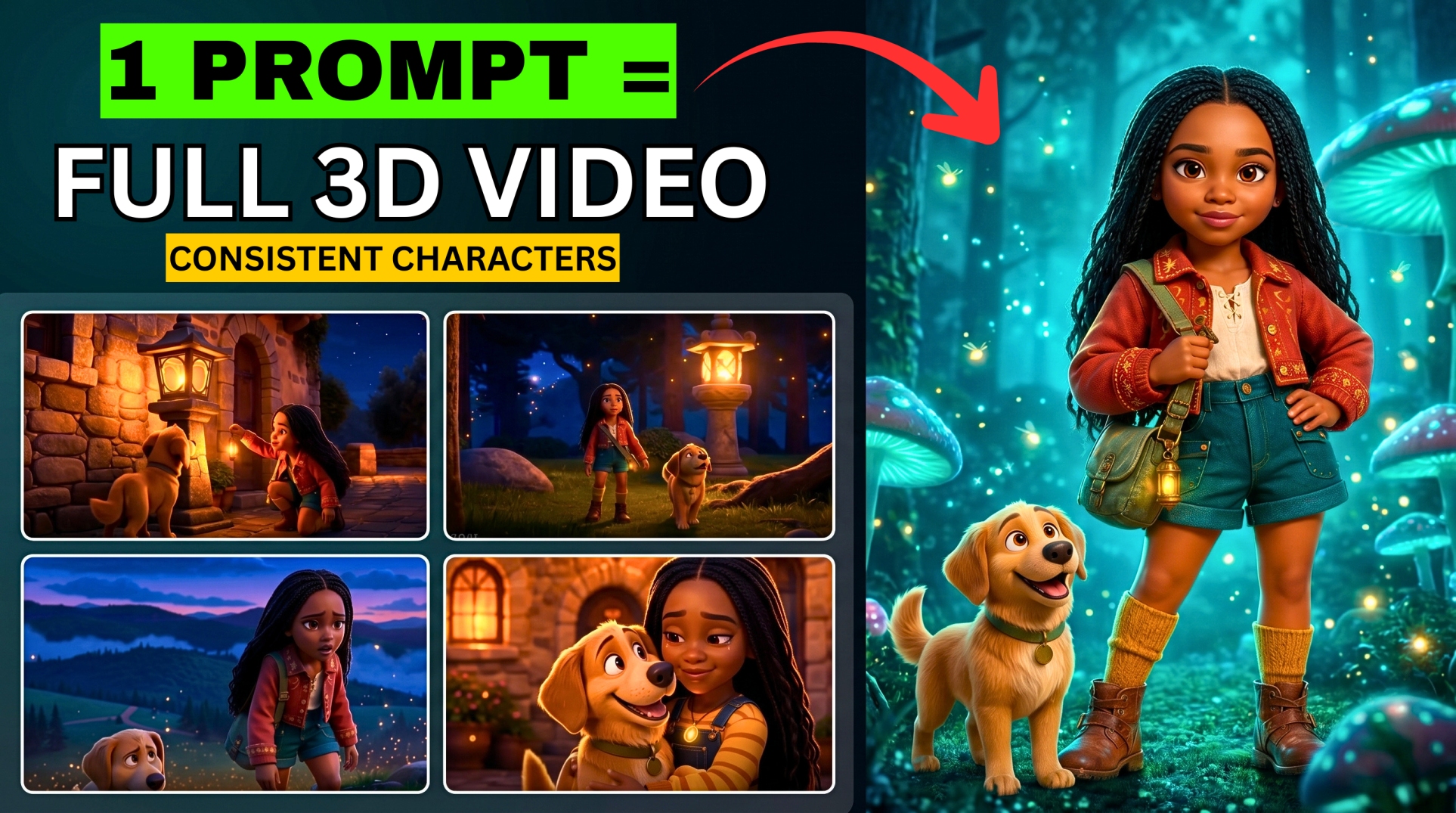



Want to create realistic AI lip-sync videos without spending money? In this step-by-step guide, you’ll learn how to use HeyGen AI for free to generate stunning talking avatar videos using text, voice recordings, or uploaded audio files.
- What Is HeyGen AI?
- Step 1: Create an AI Avatar Using Sora by OpenAI
- Step 2: Create a Free HeyGen Account
- Step 3: Generate AI Lip Sync Videos
- Step 4: Create Videos Using Your Own Voice
- Step 5: Upload a Voiceover File
- How Many Free Videos Can You Generate?
- Important Note About “Unlimited Free Videos”
- Why Creators Love HeyGen AI
- Best Use Cases for AI Lip Sync Videos
- Final Thoughts
- Frequently Asked Questions
You’ll also discover a simple method many creators use to continue generating more AI videos beyond the free limit.
Whether you’re a content creator, marketer, YouTuber, or AI enthusiast, this tutorial will help you create professional AI avatar videos in minutes.
What Is HeyGen AI?
HeyGen AI is an AI video generation platform that allows users to create realistic lip-sync videos using avatars, AI voices, or custom voiceovers.
With HeyGen, you can:
- Create talking AI avatars
- Generate lip-sync videos from text
- Upload your own voice recordings
- Turn photos into animated videos
- Create content for YouTube, TikTok, ads, and social media
The platform offers free credits for new users, making it a great option for beginners exploring AI-generated videos.
Step 1: Create an AI Avatar Using Sora by OpenAI
Before creating your lip-sync videos, you’ll need an avatar image.
More EV News

How to Generate an Avatar
- Visit Sora by OpenAI
- Click the edit icon
- Paste your avatar prompt
- Upload your image if you want the avatar to resemble you
- Click Remix
- Wait for the AI to generate the avatar images
- Download your preferred image
Using your own image helps create more personalized AI videos.
Step 2: Create a Free HeyGen Account
To access HeyGen for free, you can create a temporary account using a disposable email service.
Tools You’ll Need
- HeyGen AI
- Temp Mail
Account Creation Process
- Open an incognito or private browser window
- Visit Temp Mail
- Copy the temporary email address
- Go to HeyGen AI
- Click Sign Up
- Paste the temporary email
- Retrieve the verification code from Temp Mail
- Complete the signup process
Once your account is ready, you can begin creating AI lip-sync videos.
Step 3: Generate AI Lip Sync Videos
Option 1: Type a Script
This is the easiest method for beginners.
Steps:
- Open Avatar AI Video
- Upload your avatar image
- Select Type Script
- Paste your script
- Choose an AI voice actor
- Add animation instructions like:
- Realistic hand gestures
- Natural head movement while talking
- Click Generate
HeyGen will create a realistic talking avatar video from your text.
Step 4: Create Videos Using Your Own Voice
Using your real voice makes your videos more authentic and engaging.
How to Record Voice Inside HeyGen
- Upload your avatar
- Select Record Audio
- Allow microphone access
- Record your voice
- Preview the recording
- Add the audio
- Generate the video
This method is popular among YouTubers and personal brands.
Step 5: Upload a Voiceover File
Already have a recorded voiceover? You can upload it directly.
Many creators generate AI voiceovers using:
- ElevenLabs
- Google AI Studio
Steps:
- Upload your avatar
- Select Upload Audio
- Upload your MP3 or voice file
- Add animation prompts
- Generate your video
This workflow is perfect for professional content creation.
How Many Free Videos Can You Generate?
When you create a free HeyGen account, you typically receive enough credits to generate up to three AI lip-sync videos.
After the credits expire, the platform may require you to wait before generating additional videos on the same account.
Important Note About “Unlimited Free Videos”
Some users attempt to create multiple accounts using disposable emails and private browsing sessions to access additional free credits repeatedly.
Before doing this, review HeyGen’s Terms of Service to ensure you comply with the platform’s rules and policies.
Using AI tools responsibly helps protect your accounts and maintain access to the services long term.
Why Creators Love HeyGen AI
Here are some reasons HeyGen has become one of the most popular AI video tools:
Benefits of HeyGen
- Beginner-friendly interface
- Fast AI video generation
- Realistic lip synchronization
- Multiple voice options
- Supports custom voiceovers
- Great for faceless YouTube channels
- Excellent for social media content
Best Use Cases for AI Lip Sync Videos
You can use HeyGen AI for:
- YouTube videos
- TikTok content
- Instagram Reels
- AI influencers
- Marketing videos
- Educational tutorials
- Product promotions
- Short-form content
AI-generated avatars are becoming increasingly popular for creators who want to scale content production quickly.
Final Thoughts
HeyGen AI makes it incredibly easy to create professional AI lip-sync videos for free. Whether you type a script, record your own voice, or upload a voiceover, the platform offers powerful tools for content creators at every level.
If you’re looking to grow a YouTube channel, build a faceless brand, or experiment with AI video creation, HeyGen is definitely worth exploring.
For even better results, combine HeyGen with tools like:
- Sora by OpenAI
- ElevenLabs
- Google AI Studio
Together, these tools can help you build a complete AI content creation workflow.
Frequently Asked Questions
Is HeyGen AI free?
Yes, HeyGen offers free credits for new users to generate AI avatar videos.
Can I use my own voice?
Absolutely. You can record directly inside HeyGen or upload an existing voiceover file.
What is the best AI voice generator for HeyGen?
Many creators use ElevenLabs because of its realistic AI voices.
Can I create faceless YouTube videos with HeyGen?
Yes. HeyGen is widely used for faceless YouTube automation and AI avatar content creation.
Do I need video editing experience?
No. HeyGen is designed for beginners and requires little to no editing skills.